
Walled garden
Your child only sees the videos you personally approved. There is no search bar, no sidebar, no way out.
Marvvi is a video player where the parent approves every single video. No open search, no autoplay rabbit holes, no endless recommendations.
Free to start · iPhone & iPad · No ads, ever
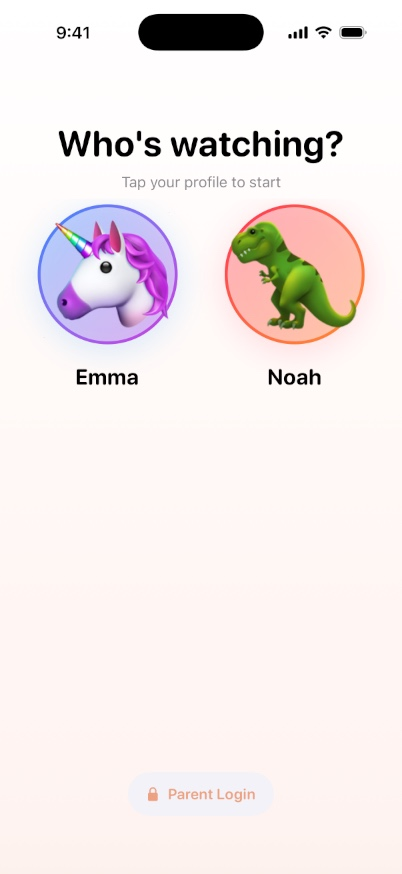
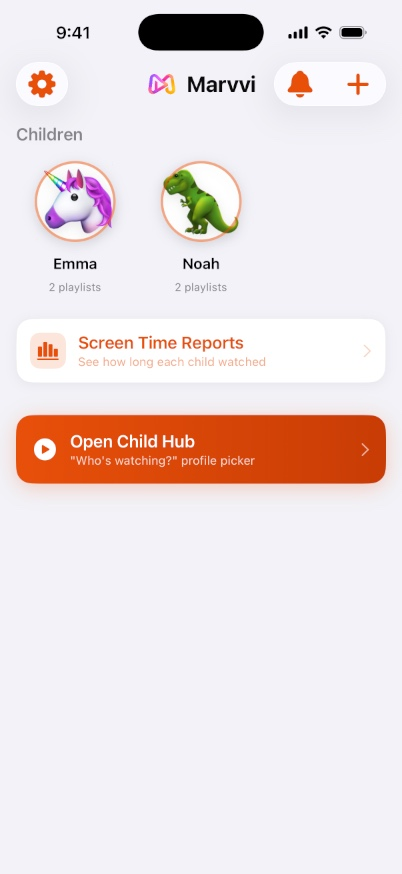
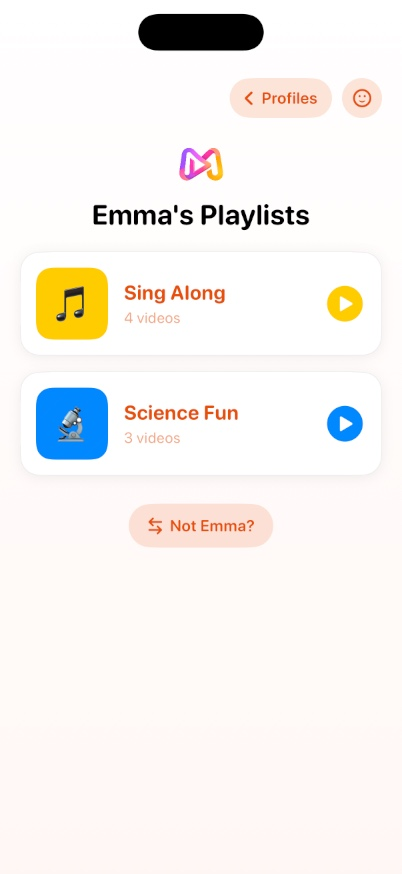
Marvvi replaces open-ended video apps with a small, safe library that you build yourself.
Your child only sees the videos you personally approved. There is no search bar, no sidebar, no way out.
A clean full-screen player without comments, related videos or up-next autoplay pulling your child deeper.
Scan a QR code once and the child's iPad becomes a locked-down Marvvi device. You manage it from your phone.
Set a daily allowance per child. When the time is up, playback stops — no negotiation, no timers to argue with.
See how long each child watched and what they watched, day by day. No dashboards to decode.
Send a playlist to another parent with a short code that expires in 48 hours. Nothing public, no links to leak.
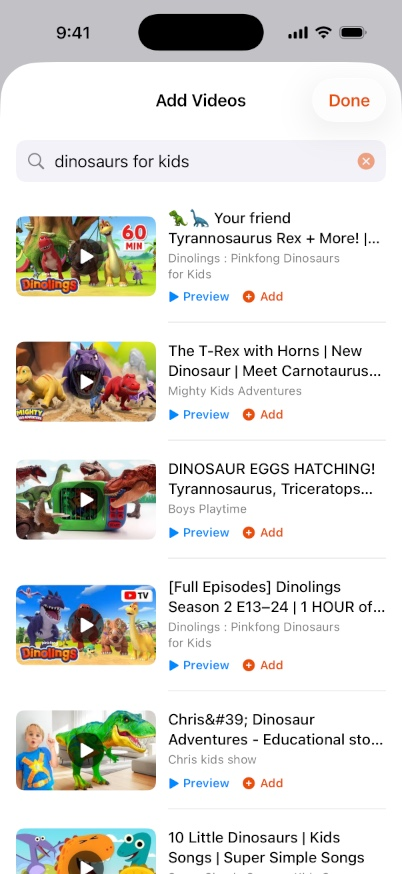
Search or paste a link, preview it, and add it to a playlist. Only what you tap ever makes it in.
Your child picks their profile and starts watching. Getting back to parent mode needs your PIN or Face ID.
Add or remove videos from your own phone. Changes appear on the child's device within seconds.
No ads and no data selling on any plan — that is not how Marvvi makes money.
No. Search exists only in parent mode, behind your PIN or Face ID. In child mode there is nothing but the playlists you built.
Marvvi is an independent app that uses the official YouTube Data API and the YouTube player to show videos you select. Marvvi is not affiliated with, endorsed by, or sponsored by YouTube or Google. Videos play through YouTube's own player, so views and ads are handled by YouTube under the YouTube Terms of Service.
No. You can hand your own phone over and child mode locks everything else away. If your child has their own iPad, pairing it takes one QR scan and gives them a device that only opens Marvvi content.
Nothing is deleted. Content above the free limits is simply paused: hidden from your child and padlocked for you. Resubscribe and everything comes back exactly as it was, including your screen time limits.
Only from Marvvi Pro subscriptions. We do not sell data, we do not show ads, and there are no third-party trackers in the app.

Free to download. Set up your first playlist tonight and hand over a device you actually trust.